Purchase & Restore
Unlock Full Game is a one-time in-app purchase.
To restore a previous purchase, open CubeWard → Settings → Restore Purchase. Restoring with the same Apple Account does not charge you again.

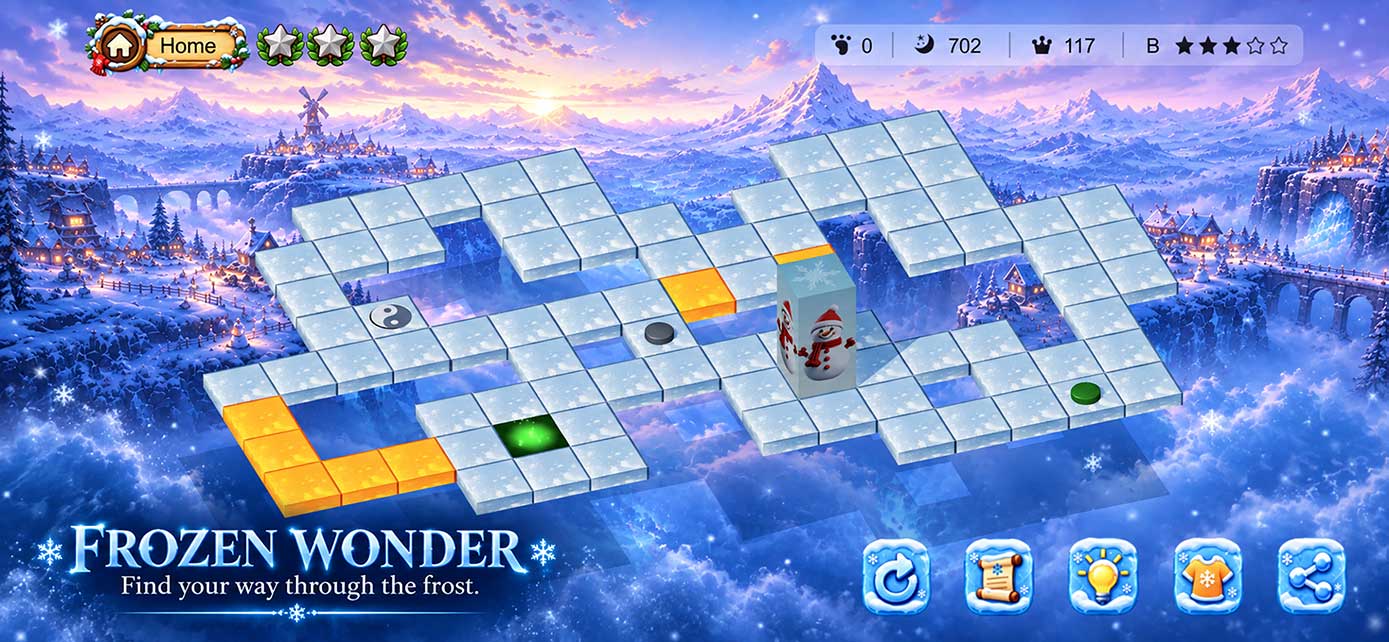
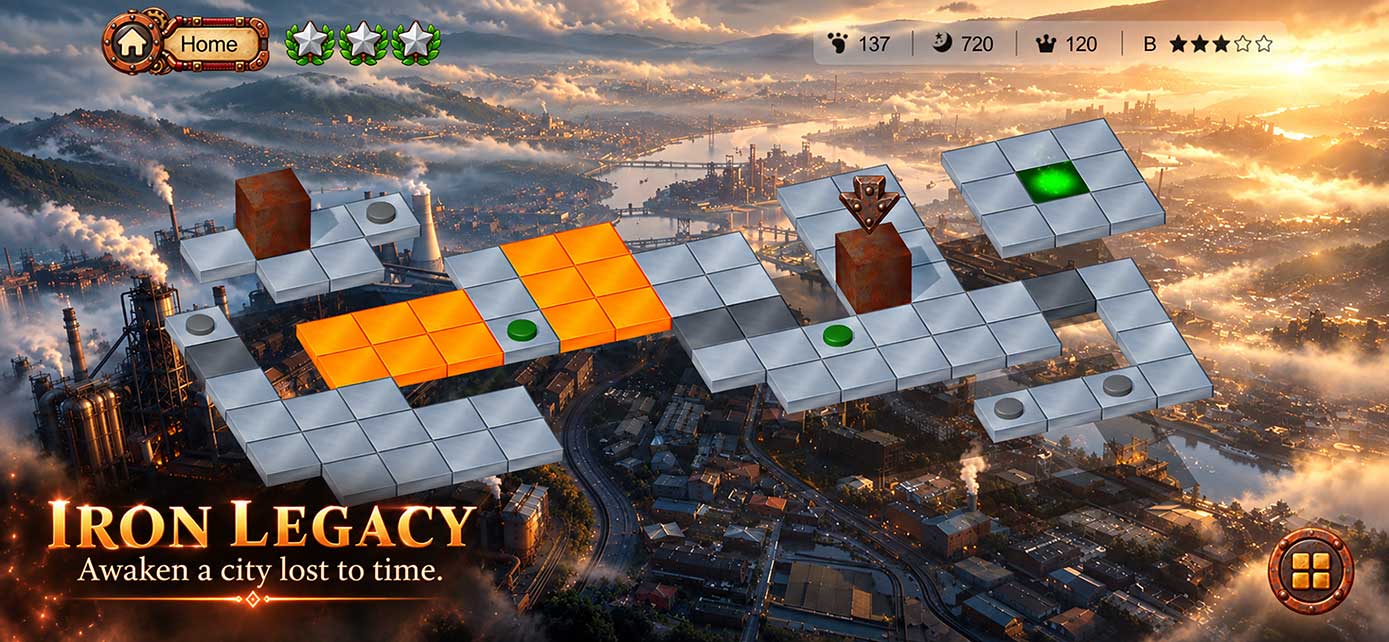
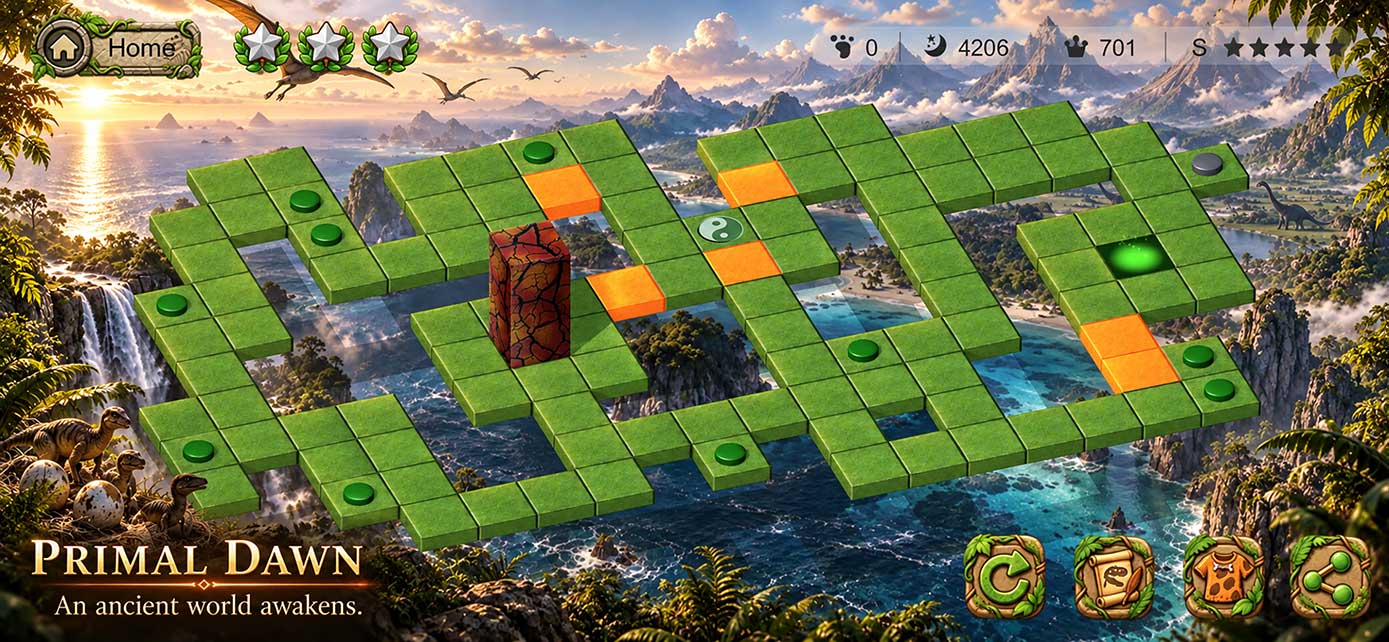
Support for purchases, game progress, gameplay questions, and technical issues in CubeWard: Rolling Puzzle.
Quick answers for the most common CubeWard questions.
Unlock Full Game is a one-time in-app purchase.
To restore a previous purchase, open CubeWard → Settings → Restore Purchase. Restoring with the same Apple Account does not charge you again.
CubeWard saves your progress automatically on your device.
When Game Center is available and connected, supported progress can also be synchronized across your Apple devices.
Stuck on a stage? Use the in-game Help feature to view three selected segments from a player-achieved world-best route.
Each segment highlights key parts of the optimal solution, giving you useful guidance while leaving the rest for you to solve.
If you experience a crash, purchase issue, progress problem, or another technical issue, contact us and include as much detail as possible.
Tap a question to view the answer.
Use the in-game unlock option to purchase Unlock Full Game. It is a one-time purchase that unlocks the full-game content available with your purchase.
Make sure you are signed in with the Apple Account used for the original purchase, then open Settings → Restore Purchase. If the issue remains, contact us and we will help you investigate.
No. Restoring a previous non-consumable purchase made with the same Apple Account does not create a new charge.
When Game Center is connected and network access is available, CubeWard can synchronize supported progress so you can continue on another compatible Apple device.
The Help guide is based on a world-best minimum-move route achieved by a player. It presents three selected segments from that best-route run as useful reference points while you work out the stage yourself.
Please include your device model, system version, CubeWard version, what you were doing when the issue occurred, and screenshots or a screen recording if available.
Send us a message and describe the issue. The more detail you include, the easier it is for us to reproduce and resolve the problem.
Email CubeWard SupportLearn how CubeWard handles game data, device information, purchase records, and related services.